Best Image Format for Websites in 2026
The best image format for your website depends on what the image contains and how you serve it. There is no single "best" format for every situation. Photos need different treatment than logos, and hero images need different treatment than thumbnails.
This guide gives you a clear decision for every common web image scenario in 2026.
The Four Formats That Matter for the Web
Out of dozens of image formats, only four are relevant for modern websites:
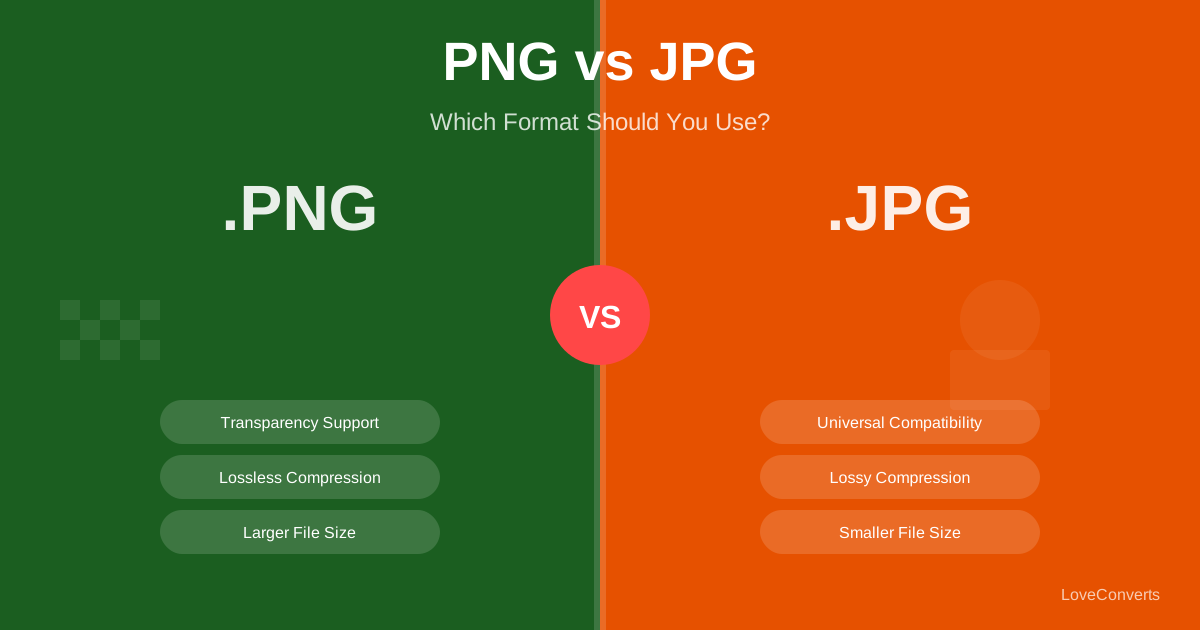
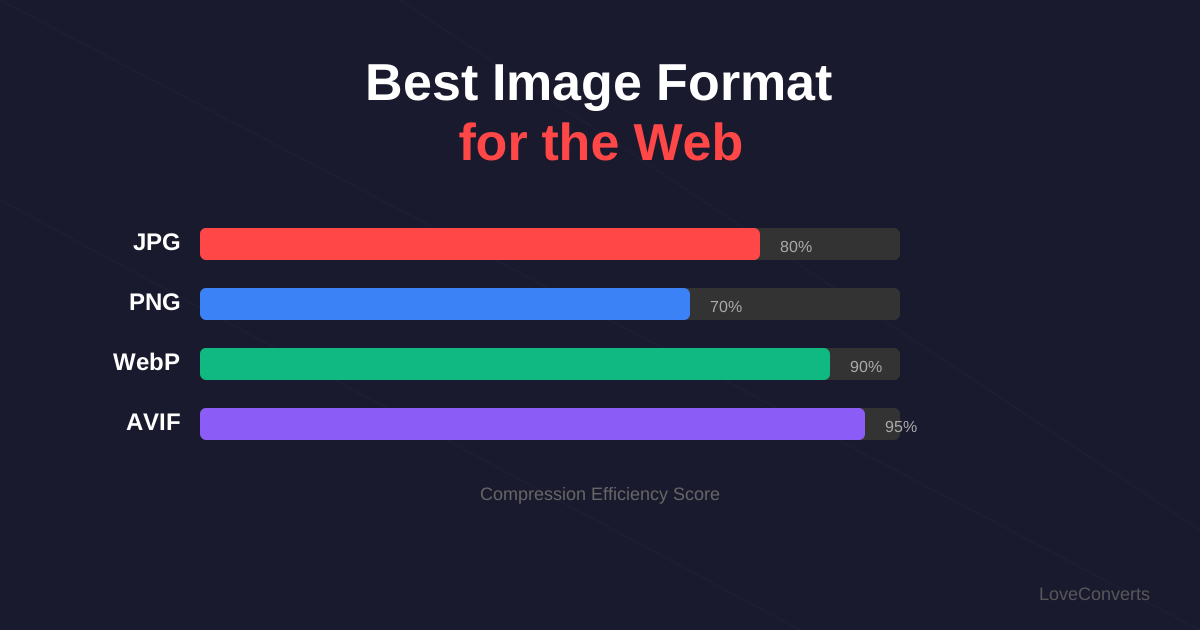
- JPG: The oldest. Good compression for photos. No transparency. Universal support.
- PNG: Lossless compression. Supports transparency. Large files for photos.
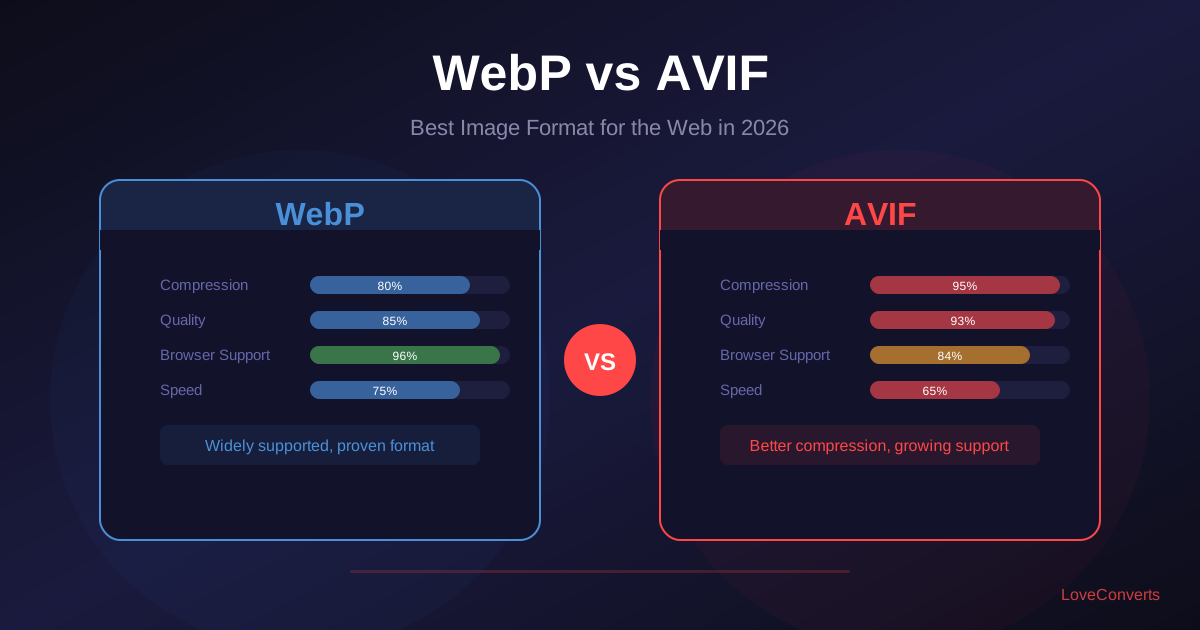
- WebP: Google's format. 25-35% smaller than JPG. Supports transparency and animation. Universal browser support since 2020.
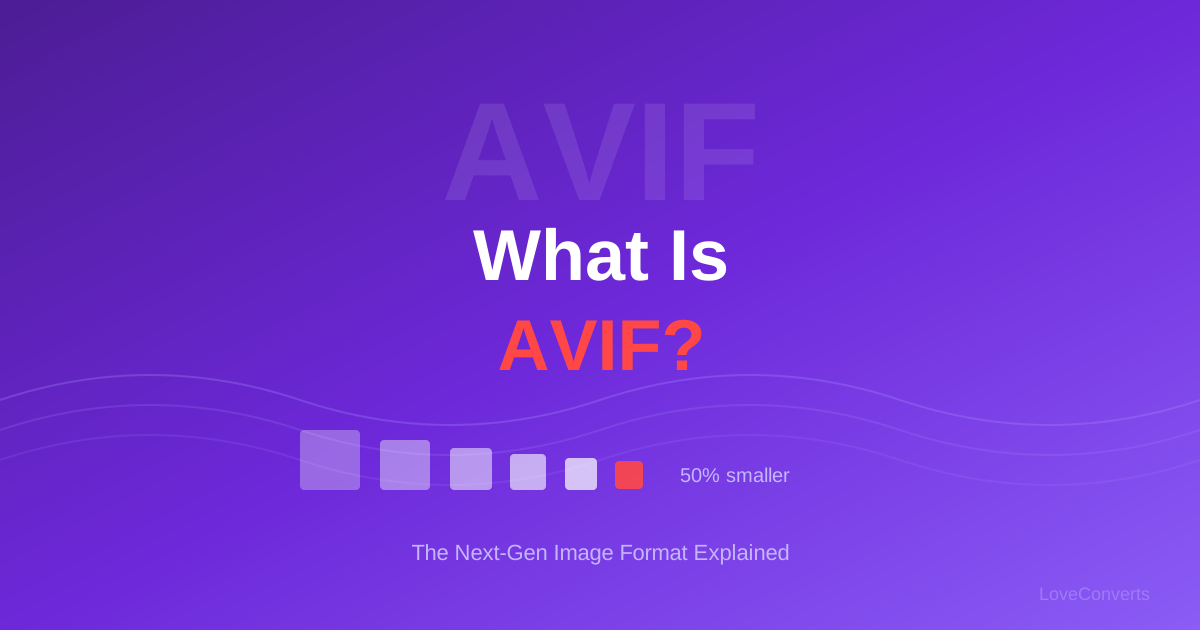
- AVIF: The newest. 50%+ smaller than JPG. Supports transparency. Browser support at ~95% as of 2026.
Which Format for Photos and Hero Images
For photographic content (product shots, hero images, blog featured images), the ranking is:
- AVIF if you can serve fallbacks (smallest files, best quality)
- WebP as the universal safe choice (great compression, 100% browser support)
- JPG as the last resort (largest files, but zero compatibility issues)
Convert your photos using the JPG to WebP converter or JPG to AVIF converter. For most sites, WebP alone is enough. The extra 20-30% savings from AVIF is worth it only on high-traffic sites where every kilobyte matters.
Which Format for Logos, Icons, and Graphics
Graphics with solid colors, text, and sharp edges need different treatment than photos:
- SVG for vector graphics (logos, icons). Infinitely scalable, tiny file sizes.
- PNG for raster graphics that need transparency (screenshots with rounded corners, UI elements).
- WebP lossless as a smaller alternative to PNG (25% smaller).
Never use JPG for logos or screenshots. The lossy compression creates visible artifacts around sharp edges and text.
Image Format and Core Web Vitals
Google uses Core Web Vitals as a ranking signal. The metric most affected by images is Largest Contentful Paint (LCP), which measures how quickly the largest visible element loads. On most pages, that element is an image.
Switching from JPG to WebP can reduce your hero image from 200KB to 130KB. That 70KB difference translates to 100-200ms faster LCP on mobile connections. Switching to AVIF saves even more.
Use the image compressor to optimize your images before uploading. Even within the same format, proper compression can cut file sizes by 50% or more.
The Practical Recommendation
For most websites in 2026, here is what to do:
- Use WebP as your default image format for all raster images.
- Use SVG for all vector graphics (logos, icons).
- Use PNG only when you need lossless raster with transparency and cannot use WebP.
- Add AVIF if you have a high-traffic site and can implement picture element fallbacks.
- Resize images to actual display dimensions before uploading.
- Compress at quality 80-85 for lossy formats.
Following these rules will put your image performance in the top 10% of websites without any complex tooling or CDN configuration.