How to Optimize Images for Etsy Listings
Your Etsy listing images are the first thing buyers see, and they directly affect whether someone clicks on your product or scrolls past it. Etsy has specific image requirements, and most sellers upload images that are either too small (looking blurry on large screens) or too large (slowing down page load times). Here is how to resize images for Etsy so they look sharp and load quickly.
Etsy Image Requirements and Recommendations
Etsy's official guidelines are straightforward but important:
- Minimum resolution: 2000px on the shortest side. Images smaller than this look pixelated when buyers zoom in.
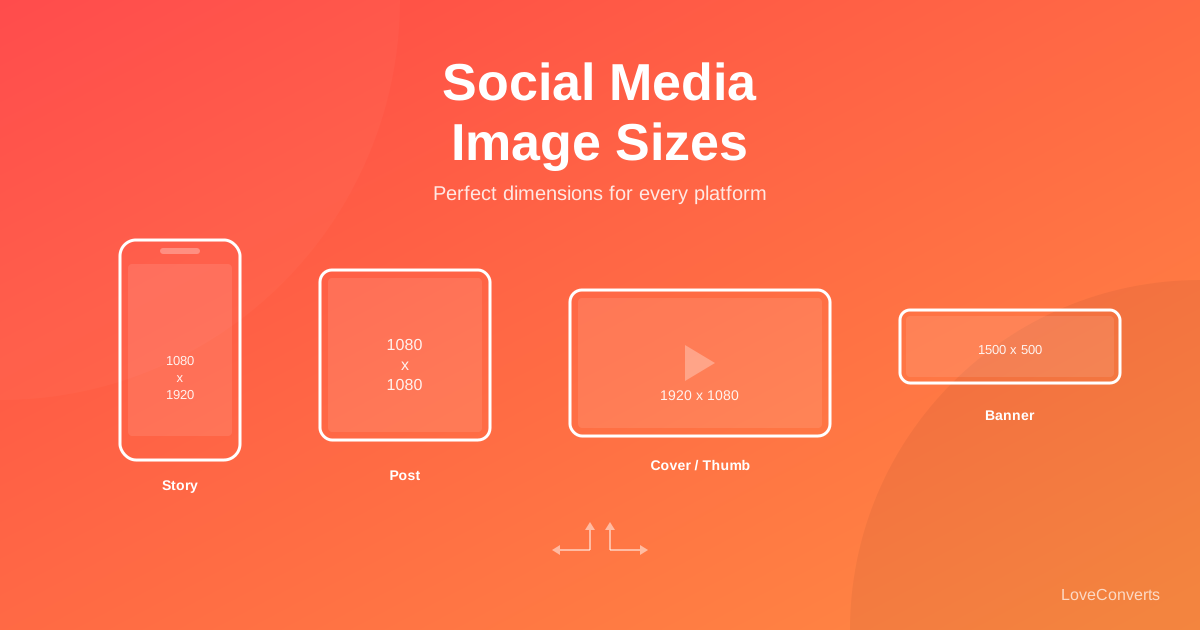
- Recommended size: 2000x2000 pixels (square). Square images display consistently across desktop, mobile, and the Etsy app.
- Aspect ratio: Etsy crops thumbnails to 4:3 on search results. Square images lose less important content when cropped.
- Maximum file size: 20MB. But aim for under 1MB per image for fast loading.
- Format: JPG or PNG. JPG recommended for photos. PNG for graphics with text or transparency.
- Number of images: Up to 10 per listing. Etsy recommends using all 10 slots.
The most common mistake is uploading phone photos directly without resizing. Modern phone cameras produce 12-48 megapixel images (4000x3000px or larger), which are much bigger than Etsy needs and result in slow-loading listings.
How to Resize for Etsy (Step by Step)
Using the Resize Image tool on LoveConverts:
- Upload your product photo.
- Set the dimensions to 2000x2000. Choose "cover" mode to fill the square, or "contain" to fit the image within the square with a white border.
- Download the resized image.
If you have multiple products to prepare, switch to batch mode. Upload up to 30 images, apply the same dimensions, and download everything as a ZIP file. This saves significant time when launching new listings or refreshing existing ones.
Thumbnail Cropping: What Buyers See First
Understanding how Etsy crops images is critical for making strong first impressions. In search results and category pages, Etsy displays thumbnails at a 4:3 aspect ratio. This means the top and bottom of your image may be cut off if it is square.
To account for this:
- Keep your product centered. Do not place the product near the top or bottom edge, as those areas may be cropped in thumbnails.
- Leave breathing room. Give the product some space around all edges. A 15-20% margin on each side ensures the product is fully visible in both square and 4:3 views.
- Test on mobile. Open your listing on the Etsy app to see exactly how the thumbnail appears in search results.
Compression: Balancing Quality and Speed
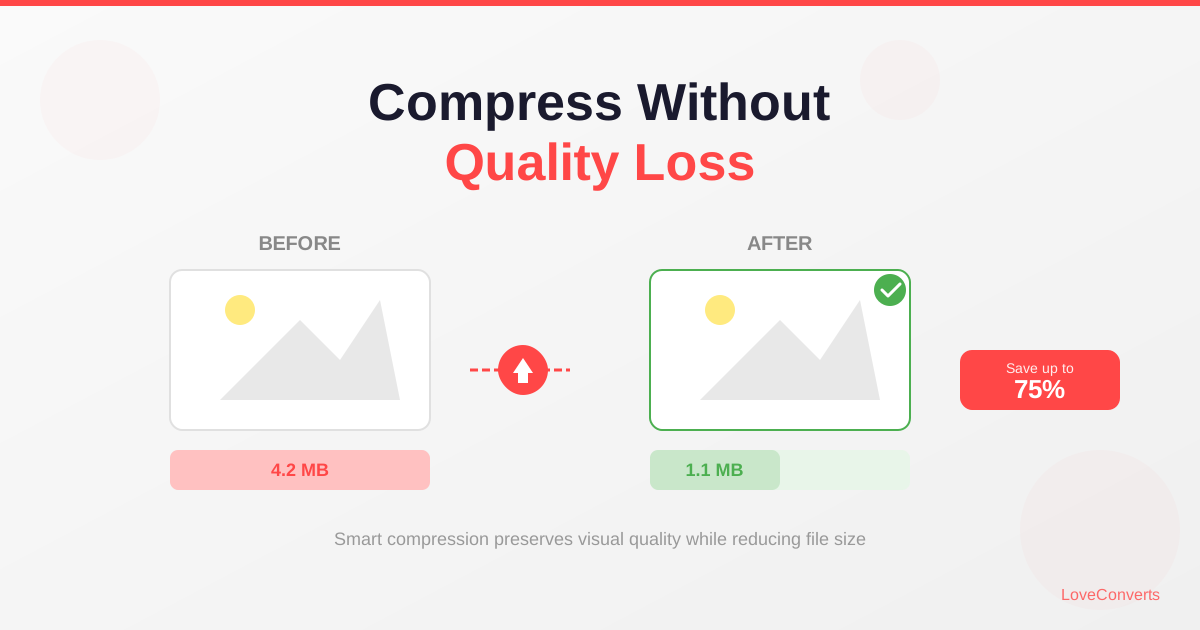
After resizing, compressing your images reduces file size without visible quality loss. The Image Compressor on LoveConverts does this automatically.
For Etsy product images:
- JPG quality 80-85% is the sweet spot. File sizes drop by 50-70% while the image looks identical.
- Target file size: 200-500KB. A 2000x2000 JPG at 82% quality typically falls in this range.
- Do not go below 75% quality. Etsy buyers zoom in on images. Compression artifacts on fabric textures, jewelry details, and printed text become visible at lower quality settings.
What to Photograph: Using All 10 Image Slots
Etsy allows 10 images per listing, and using all 10 improves your search ranking and conversion rate. Here is a solid framework:
- Hero shot: Your best overall product photo. Clean background, good lighting, product centered.
- Detail shots (2-3 images): Close-ups of textures, materials, patterns, or construction details.
- Scale reference: The product next to a common object (hand, ruler, coin) to show size.
- In-use shot: The product being worn, used, or displayed in a real setting.
- Variations: If available in multiple colors or styles, show them.
- Packaging: How the product arrives. Especially important for gifts.
- Infographic: A lifestyle image with text overlay listing key features or dimensions.
- Back/side views: Show angles that the hero shot does not cover.
Every image slot is an opportunity to answer a buyer's question before they ask it. Fewer questions means more confident purchases.
Photography Tips for Better Etsy Listings
Great product photography does not require expensive equipment. Here are practical tips that make a real difference:
- Natural light wins. Shoot near a large window during daytime. Avoid direct sunlight, which creates harsh shadows. Overcast days produce the most even, flattering light.
- White background for search. Etsy search results look cleaner with white or light backgrounds. Use a sheet of white poster board or a simple lightbox.
- Steady camera. Use a tripod or prop your phone against something stable. Blurry product photos are the most common reason listings underperform.
- Consistent style. All images in a listing (and across your shop) should have a consistent look. Same background, same lighting, same editing style.
Format Recommendations
For Etsy, JPG is the right format for nearly all product photos. Use the compressor to keep files under 1MB while maintaining quality. PNG should only be used for images that require transparency or contain sharp text overlays.
Avoid uploading HEIC files (the default format on newer iPhones). Etsy accepts them, but they can cause display issues. Convert HEIC to JPG first using any image converter.
With properly sized, compressed, and well-photographed images, your Etsy listings will load faster, look more professional, and convert more browsers into buyers. The resize and compress tools on LoveConverts make the technical side quick and painless.