How to Resize Images for Social Media (Correct Sizes for 2026)
You just took a great photo for your business page, but when you upload it, the platform crops off the sides or adds black bars. The fix: resize your image for social media to the exact dimensions the platform expects. Each platform has specific sizes, and getting them right means your content looks polished instead of amateur.
Here are all the correct dimensions for 2026, with the easiest way to resize.
Instagram Image Sizes for 2026
Instagram supports three post orientations, and the dimensions matter because the platform crops aggressively if your image does not fit:
- Square post: 1080 x 1080px (1:1 ratio)
- Portrait post: 1080 x 1350px (4:5 ratio) - this takes up the most screen space and gets the best engagement
- Landscape post: 1080 x 566px (1.91:1 ratio)
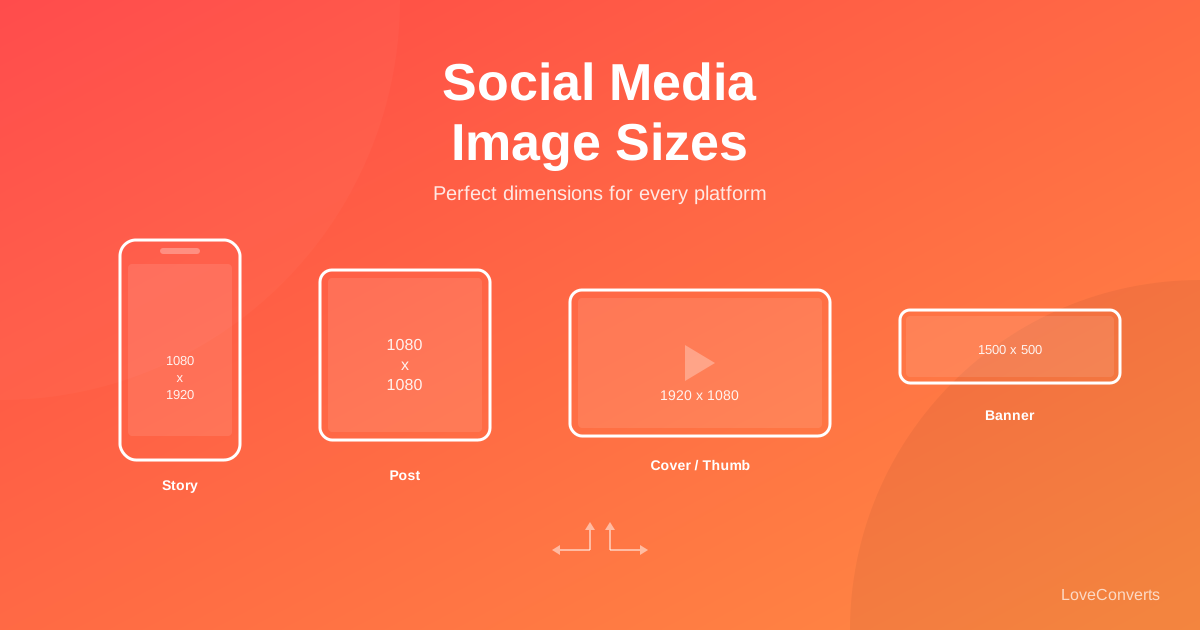
- Stories / Reels: 1080 x 1920px (9:16 ratio)
- Profile picture: 320 x 320px (displays as a circle)
Pro tip: always use 1080px as the width for Instagram posts. The platform will downscale anything wider and upscale anything narrower, both of which can reduce quality.
Use the image resizer which has built-in Instagram presets. Select "Instagram Post" and it automatically sets the right dimensions.
Facebook Image Sizes for 2026
- Post image: 1200 x 630px (1.91:1 ratio)
- Cover photo: 820 x 312px (desktop) / 640 x 360px (mobile)
- Profile picture: 170 x 170px (displays as a circle)
- Event cover: 1200 x 628px
- Stories: 1080 x 1920px
For the cover photo, use 820x360px and center your important content. Facebook crops differently on mobile vs desktop, so avoid putting text or logos near the edges.
X (Twitter) Image Sizes for 2026
- In-feed image: 1200 x 675px (16:9 ratio)
- Header/banner: 1500 x 500px
- Profile picture: 400 x 400px
X crops images in the feed to a 16:9 ratio. If your image is taller, the middle portion is shown and users tap to see the full image. For maximum visibility without cropping, stick to 1200x675.
LinkedIn and TikTok Sizes
LinkedIn:
- Post image: 1200 x 627px
- Cover image: 1584 x 396px
- Profile picture: 400 x 400px
TikTok:
- Video: 1080 x 1920px (9:16)
- Profile picture: 200 x 200px
The Fastest Way to Resize for Any Platform
Instead of memorizing all these numbers, use a tool with built-in presets. The LoveConverts resizer includes presets for all major platforms. Pick "Instagram Portrait" or "Facebook Post" from the dropdown, and the dimensions are set automatically.
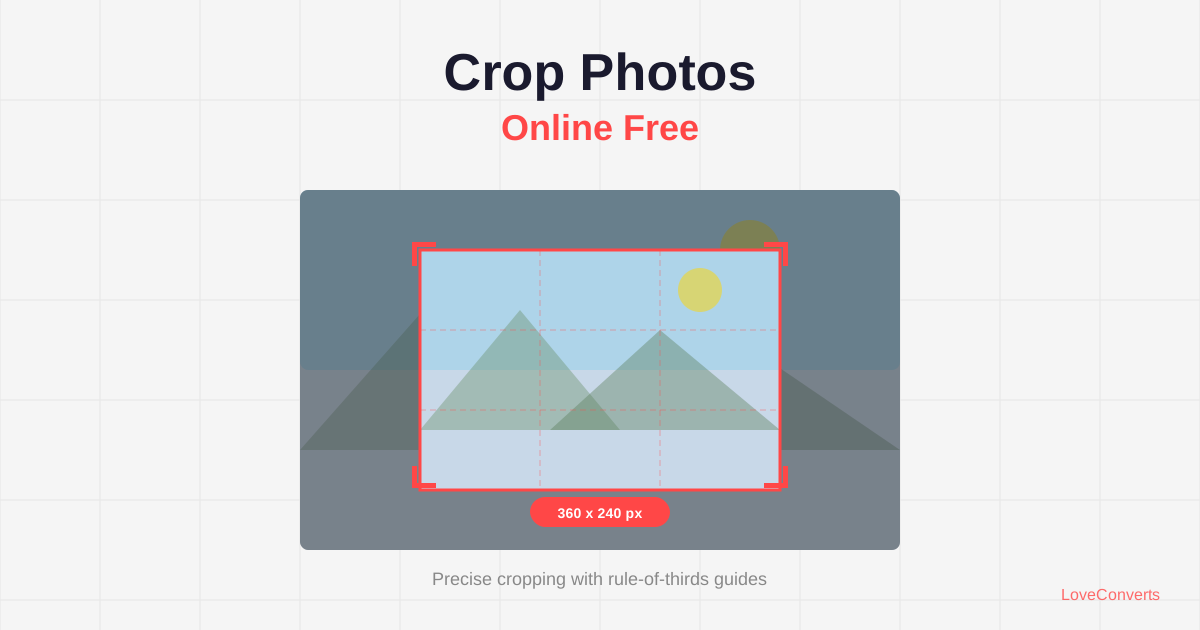
For images that need specific cropping (not just resizing), the crop tool lets you select exact aspect ratios like 4:5 or 16:9 with visual guides.
One Thing Most Guides Get Wrong About Social Media Images
Many guides tell you to upload the highest resolution possible. That is only half right. Yes, you want at least the minimum dimensions listed above. But uploading a 6000x4000 pixel image to Instagram is wasteful. The platform will compress it down anyway, and their compression algorithm is more aggressive than what you would apply yourself.
Better approach: resize to the exact target dimensions, then compress lightly (quality 85-90) using the compressor before uploading. This way, you control the quality instead of letting the platform's algorithm do it for you.