How to Convert TIFF to JPG Free Online
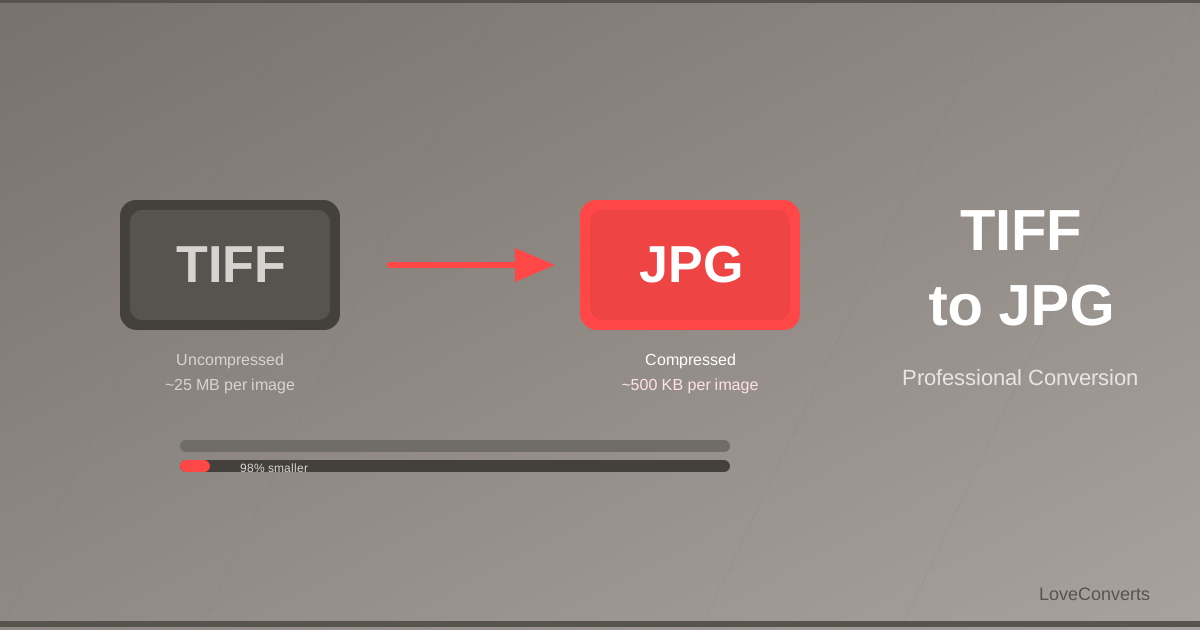
TIFF (Tagged Image File Format) is the standard in professional photography, printing, and medical imaging. But TIFF files are huge. A single TIFF image can be 30-100MB, making them impractical for email, web, or everyday use. To convert TIFF to JPG gives you a file that is 90-95% smaller and works everywhere.
How to Convert TIFF to JPG Online
- Open the TIFF to JPG converter on LoveConverts.
- Upload your TIFF files. Up to 30 files at once, up to 20MB each.
- Click Convert.
- Download the JPG files. Multiple files come as a ZIP.
Why TIFF Files Are So Large
TIFF files are often uncompressed or use lossless compression. This means every pixel is stored at full precision. A 24-megapixel camera produces a TIFF that is roughly 72MB of raw pixel data. Even with lossless LZW compression, it might be 30-40MB.
JPG uses lossy compression that analyzes the image and removes data your eyes would not miss. The result is dramatically smaller files with quality that looks identical at normal viewing distances.
When to Convert and When to Keep TIFF
Convert to JPG when:
- Sending photos via email
- Uploading to social media or websites
- Sharing with clients who do not need print-quality files
- Freeing up storage space
Keep the TIFF when:
- Sending to a print shop (they usually want TIFF or PDF)
- Archiving professional photography (TIFF preserves full quality)
- The file will be edited further (avoid lossy compression until the final step)
Alternative: TIFF to WebP or PNG
If you need lossless quality (no data loss), convert to PNG instead of JPG. PNG files are smaller than TIFF but larger than JPG. For the smallest web-compatible files, convert to WebP.
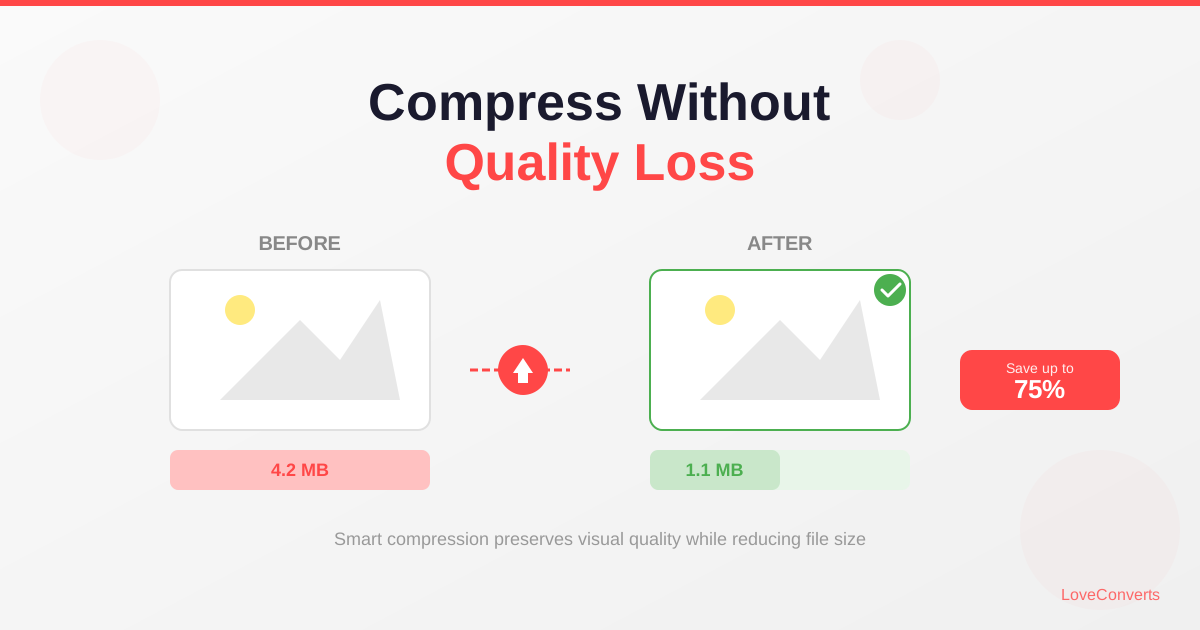
After converting, use the compressor if you need the JPGs even smaller. The combination of TIFF to JPG conversion plus compression at quality 80 can reduce a 30MB TIFF to under 500KB.