How to Make Images Smaller for Email
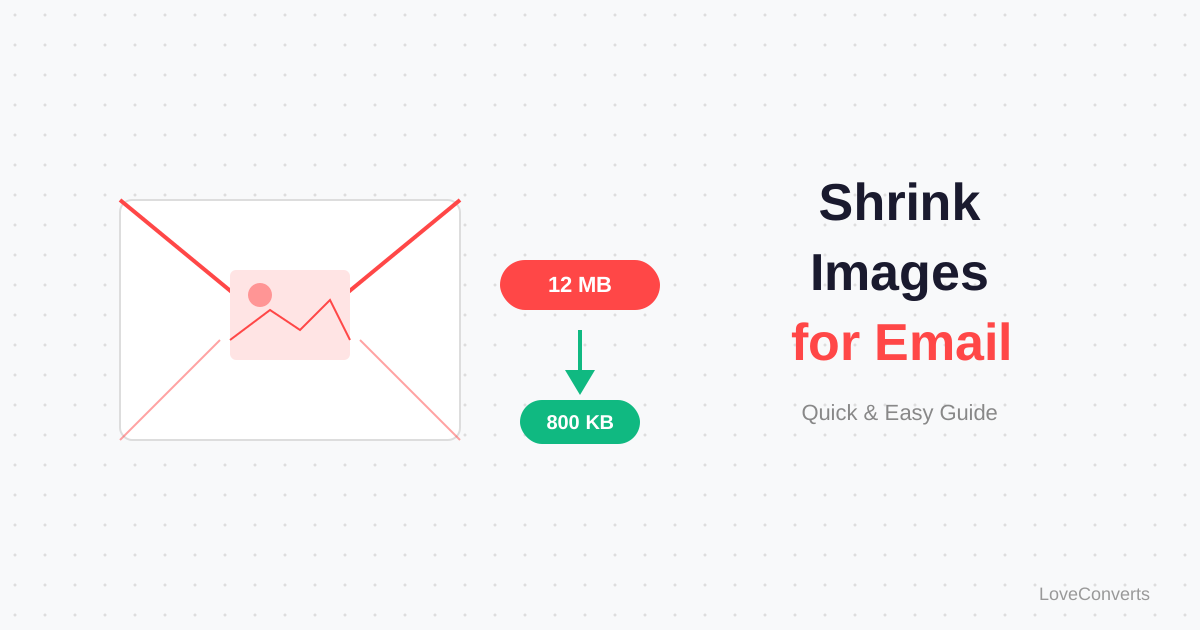
Your email bounces back with "attachment too large." Or worse, it sends but the recipient's mailbox rejects it. The fix: make your images smaller for email before attaching them. Two steps, resize then compress, can turn a 5MB photo into a 150KB image that looks perfectly fine on screen.
Why Phone Photos Are So Large
A modern smartphone captures photos at 12-48 megapixels. A single 12MP photo saved as JPG is typically 3-6MB. Take five photos and you are already at 15-30MB, close to or exceeding most email attachment limits.
The irony: the person you are emailing will view these photos on a screen that is 1920 pixels wide at most. You are sending them 4000+ pixel images when 1200 pixels would look identical on their screen.
Step 1: Resize to Reasonable Dimensions
Open the image resizer and scale your photos down. For email purposes:
- 1200px wide is plenty for viewing on any screen
- 800px wide is fine for quick reference photos
- 600px wide for thumbnail-quality previews
Resizing from 4000px to 1200px alone reduces a 5MB photo to about 800KB. That is already a 84% reduction.
Step 2: Compress the Resized Image
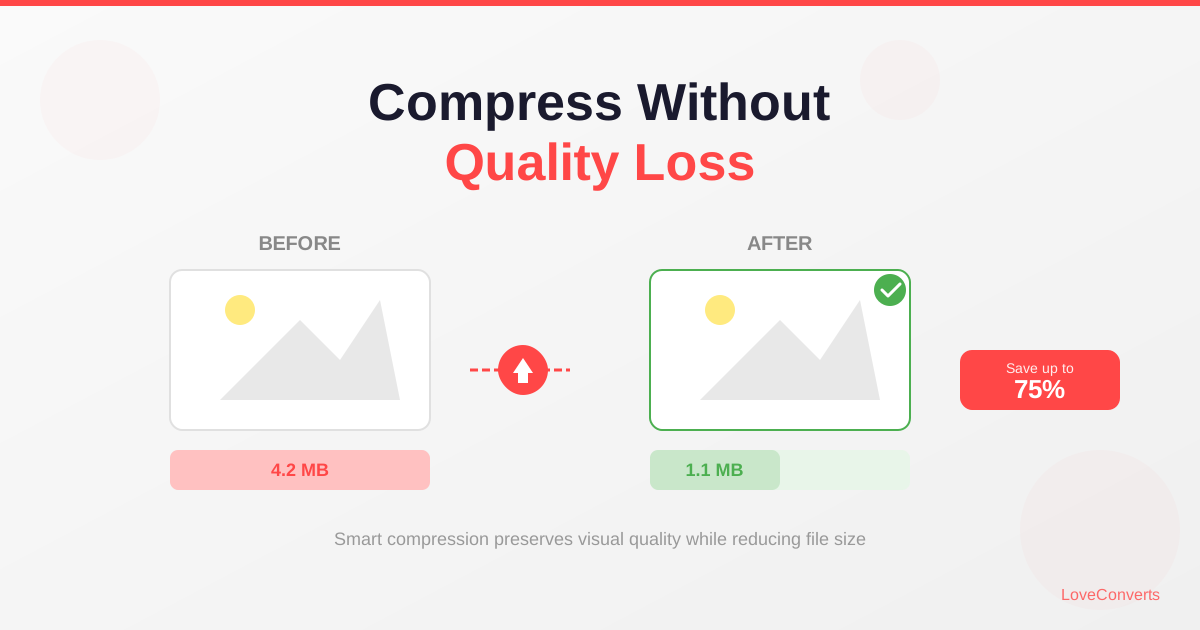
After resizing, run the image through the compressor at quality 80-85. This typically cuts another 40-60% off the file size.
A photo that started at 5MB is now around 150-300KB. You can attach 30+ of these to a single email without hitting any limits.
The One-Step Method
If you are in a hurry, skip the resize step and just compress. The compressor alone can reduce a 5MB photo to about 1MB at quality 80. That is often enough to fit within email limits, especially if you are only sending a few photos.
For sending lots of photos (10+), always resize first. The combined savings are much larger than compression alone.
Sending Photos to Print
One important exception: if the recipient needs to print the photos, do not resize them. Send the full-resolution originals. Use a file sharing service (Google Drive, Dropbox, WeTransfer) instead of email attachments for high-resolution files.
For screen viewing only (which covers 95% of email photo sharing), resizing and compressing is the right approach.