Best Free Online Image Tools in 2026
Most image editing tasks do not require expensive software. Converting formats, compressing file sizes, resizing for social media, cropping, and basic editing can all be done with free online image tools right in your browser. No installation, no accounts, no learning curve.
Here are the best tools available in 2026, organized by task.
Best Free Image Converter
For converting between image formats (JPG, PNG, WebP, AVIF, GIF, TIFF, BMP, ICO), you need a tool that handles batch conversion and supports modern formats.
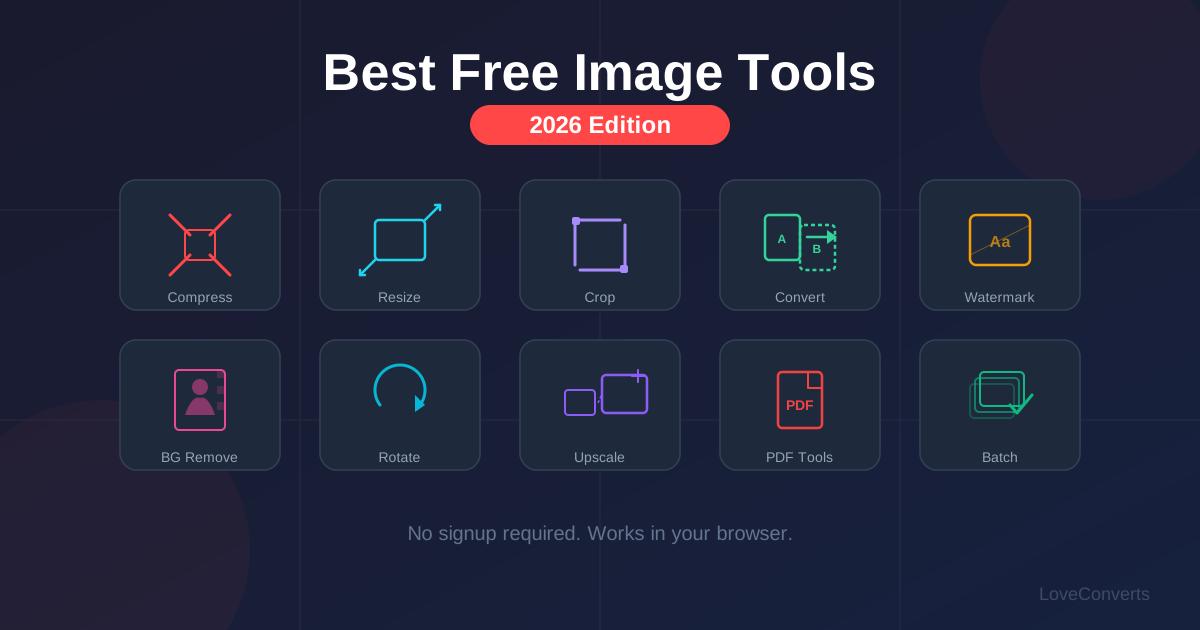
The LoveConverts image converter handles all major formats, processes up to 30 files at once, and runs conversions server-side using Sharp (the same library Netflix and Shopify use). No signup, no watermarks. You can also use the dedicated format-specific converters if you know exactly what conversion you need.
What sets a good converter apart: batch support, modern format support (especially AVIF and WebP), and server-side processing. Browser-only converters that use canvas are limited to 8-bit color and often produce larger files.
Best Free Image Compressor
Image compression reduces file sizes while maintaining visual quality. The key differentiator between tools is how much they compress before quality becomes noticeable.
The LoveConverts compressor uses mozjpeg for JPG (the same encoder used by Facebook) and supports all major formats. It handles batch compression and lets you control quality with a slider.
For compression, the quality setting matters more than the tool. Quality 80-85 gives you 60-70% file size reduction with invisible quality loss on any decent compressor. Below 70, differences between tools become more noticeable.
Best Free Image Resizer
Resizing is simple in concept but important to get right. The best resizers offer social media presets so you do not have to memorize platform dimensions.
The LoveConverts resizer includes presets for Instagram (square, portrait, story), Facebook (post, cover), Twitter/X, LinkedIn, YouTube, and WhatsApp. Select a platform, pick the preset, and the dimensions are set automatically. It also supports batch resizing for processing multiple images at once.
Best Free Image Cropper
Cropping removes unwanted areas from an image. The best croppers give you precise control with locked aspect ratios and visual guides.
The LoveConverts crop tool provides visual crop handles, aspect ratio presets (1:1, 4:3, 16:9, 9:16, 3:2), and free-form cropping. It works on mobile with touch-friendly handles.
Best Free Background Remover
Removing backgrounds used to require Photoshop skills. Now automated tools handle it in seconds. The LoveConverts background remover detects the background color and removes it with smooth edge transitions. It works best with solid-colored backgrounds and outputs transparent PNG files.
For more complex backgrounds (busy scenes, hair detail), dedicated AI services like remove.bg produce better results but have usage limits on free tiers.
How to Pick the Right Tool
When evaluating online image tools, check for these things:
- No signup required. If a tool requires an account just to try it, there are better options.
- No watermarks. Some "free" tools add watermarks to output. That is not really free.
- Batch support. Processing files one at a time wastes your time.
- Server-side processing. Tools that process on the server produce better results than browser-only tools.
- Privacy policy. Know whether your files are stored, for how long, and who has access.
LoveConverts meets all these criteria. Every tool is free, processes server-side, supports batch operations, and never stores your files. Check the full tool listing to see everything available.