The Complete Guide to Image Formats
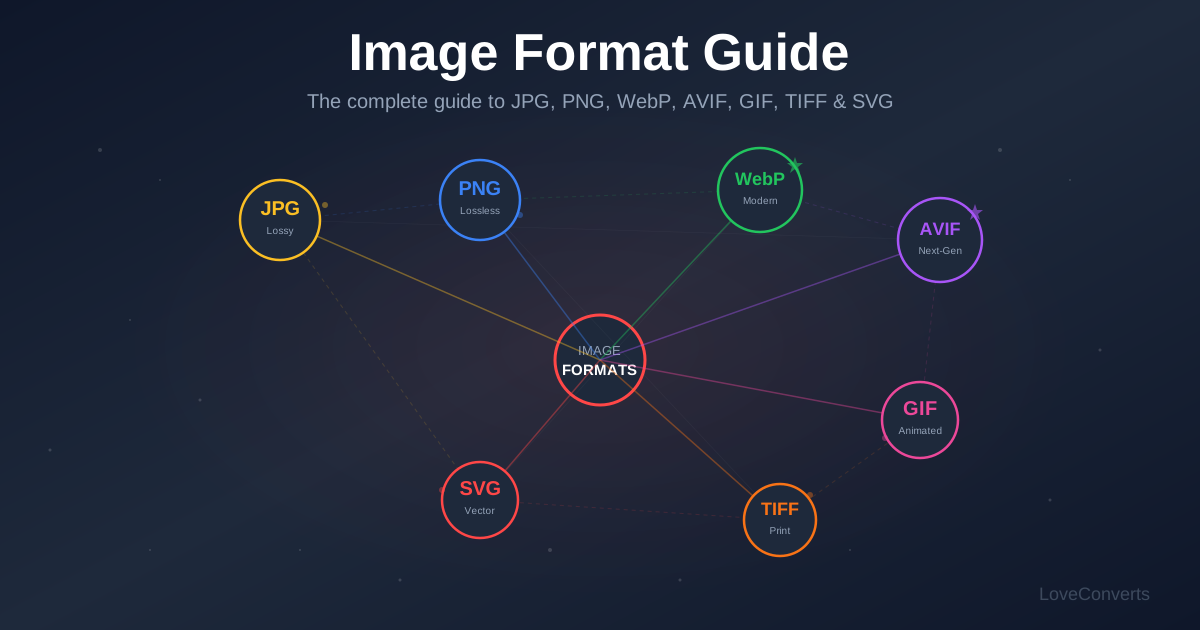
There are nine image formats you will encounter regularly, and each one exists for a reason. Picking the wrong format wastes storage space, slows down websites, or degrades image quality. This guide explains every major format in plain language so you can make the right choice every time.
JPG (JPEG) - The Universal Photo Format
Best for: Photographs, complex images with gradients and many colors.
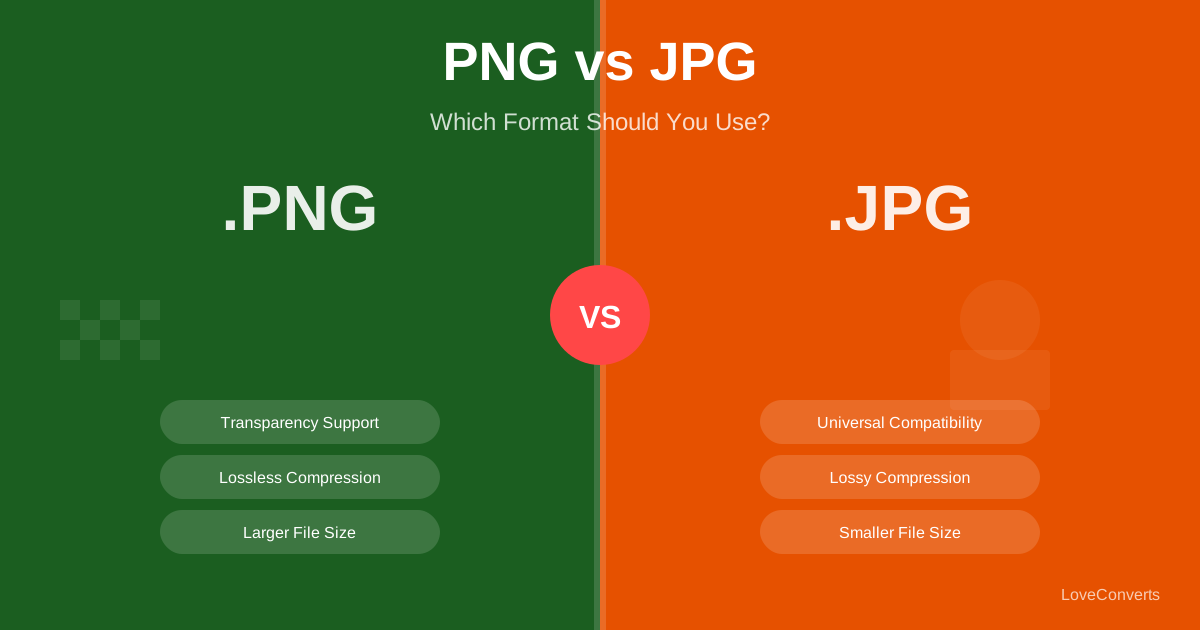
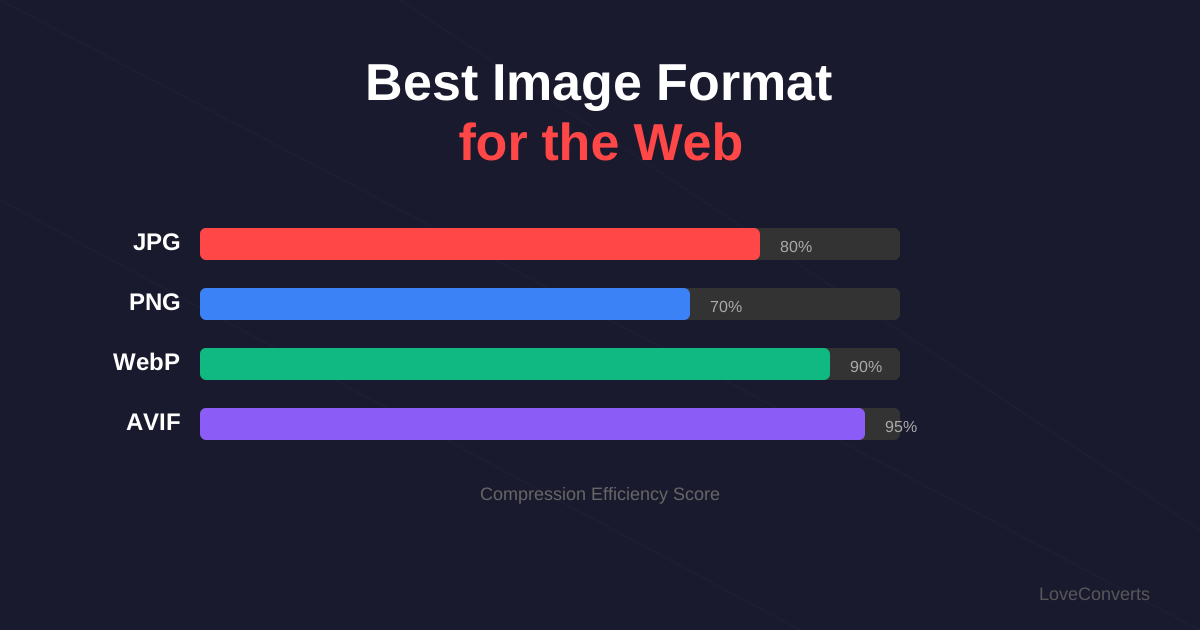
JPG has been the default photo format since the 1990s. It uses lossy compression, which means it removes data your eyes are unlikely to notice. At quality 80-85, the result looks identical to the original but is 60-70% smaller.
Limitations: No transparency support. Each time you edit and re-save a JPG, quality degrades slightly (generation loss). Poor at handling text, sharp edges, and solid colors (creates visible artifacts).
Convert to JPG: Convert any image to JPG
PNG - Lossless Quality with Transparency
Best for: Screenshots, logos, graphics with text, anything needing transparency.
PNG uses lossless compression. Every pixel is preserved exactly. It supports full alpha transparency, meaning pixels can be partially transparent (not just on/off). This makes it essential for logos on colored backgrounds and UI elements.
Limitations: Files are 5-10x larger than JPG for photographic content. Not suitable for large photos on bandwidth-limited websites.
WebP - The Modern All-Rounder
Best for: Web images of all types. The best general-purpose format in 2026.
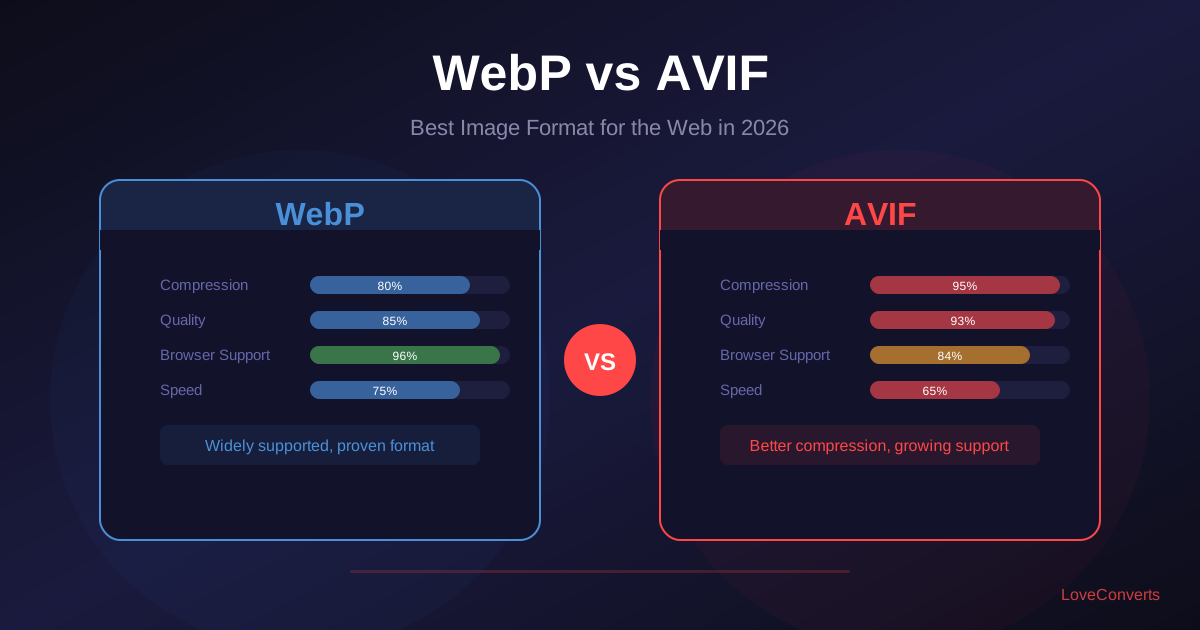
WebP, created by Google, supports both lossy and lossless compression plus transparency. Lossy WebP is 25-35% smaller than JPG. Lossless WebP is 25% smaller than PNG. All modern browsers have supported it since 2020.
Limitations: Some older software (pre-2020) does not support it. Not ideal for print workflows.
Convert to WebP: JPG to WebP | PNG to WebP
AVIF - Maximum Compression
Best for: Websites where every kilobyte matters. The smallest files available.
AVIF is based on the AV1 video codec. It produces files 50%+ smaller than JPG and 20-30% smaller than WebP at the same visual quality. It supports transparency, HDR, and wide color gamuts.
Limitations: Slower to encode than WebP or JPG. Browser support at ~95% (missing some older Safari versions). Not widely supported outside of web browsers yet.
Convert to AVIF: JPG to AVIF | PNG to AVIF
GIF - Simple Animations
Best for: Short, simple animations. Reaction images.
GIF supports animation (multiple frames in one file) and basic transparency. It is limited to 256 colors per frame, which gives GIFs their characteristic grainy look. File sizes are large compared to modern alternatives.
Limitations: 256 color limit. Huge file sizes for animations. No partial transparency. For web animations, MP4 or animated WebP is far more efficient.
TIFF - Professional and Archival
Best for: Professional photography, print production, archival storage.
TIFF supports lossless compression at high bit depths. It is the standard delivery format for print shops and professional photographers. Files are very large but preserve maximum quality.
Limitations: Not supported by web browsers. Files are extremely large (10-100MB+ per image). Not practical for sharing or web use.
Convert from TIFF: TIFF to JPG | TIFF to PNG
BMP, SVG, and ICO
BMP: Uncompressed raster format. No reason to use it in 2026 unless legacy software requires it. Convert to PNG or JPG for smaller files.
SVG: Vector format for logos, icons, and illustrations. Scales to any size without quality loss. Tiny file sizes. Not suitable for photographs.
ICO: Used exclusively for website favicons and Windows application icons. Contains multiple sizes in one file. Convert from PNG when you need an ICO.
Quick Decision Guide
Use this to pick the right format quickly:
- Photo for web: WebP (or AVIF with WebP fallback)
- Photo for email/sharing: JPG
- Photo for print: TIFF or high-quality JPG
- Screenshot with text: PNG
- Logo or icon: SVG (or PNG if SVG is not accepted)
- Image needing transparency: PNG or WebP
- Short animation: MP4 (not GIF)
- Favicon: ICO or SVG
For any conversion between these formats, use the LoveConverts converter. It handles all nine formats and processes up to 30 files at once.